Webapp
User guide to the ATG web app: chat interface, search, documents, predefined prompts, and links to best practices and attachments.
Welcome to Ask This Guy, the smart and friendly AI assistant designed to help you tackle your daily tasks with ease!
Whether you need to search your knowledge base, analyze documents, or use powerful pre-set prompts, we've got you covered.
Go to app.askthisguy.com and enjoy!
It's pretty straightforward, just start a chat with this Guy:
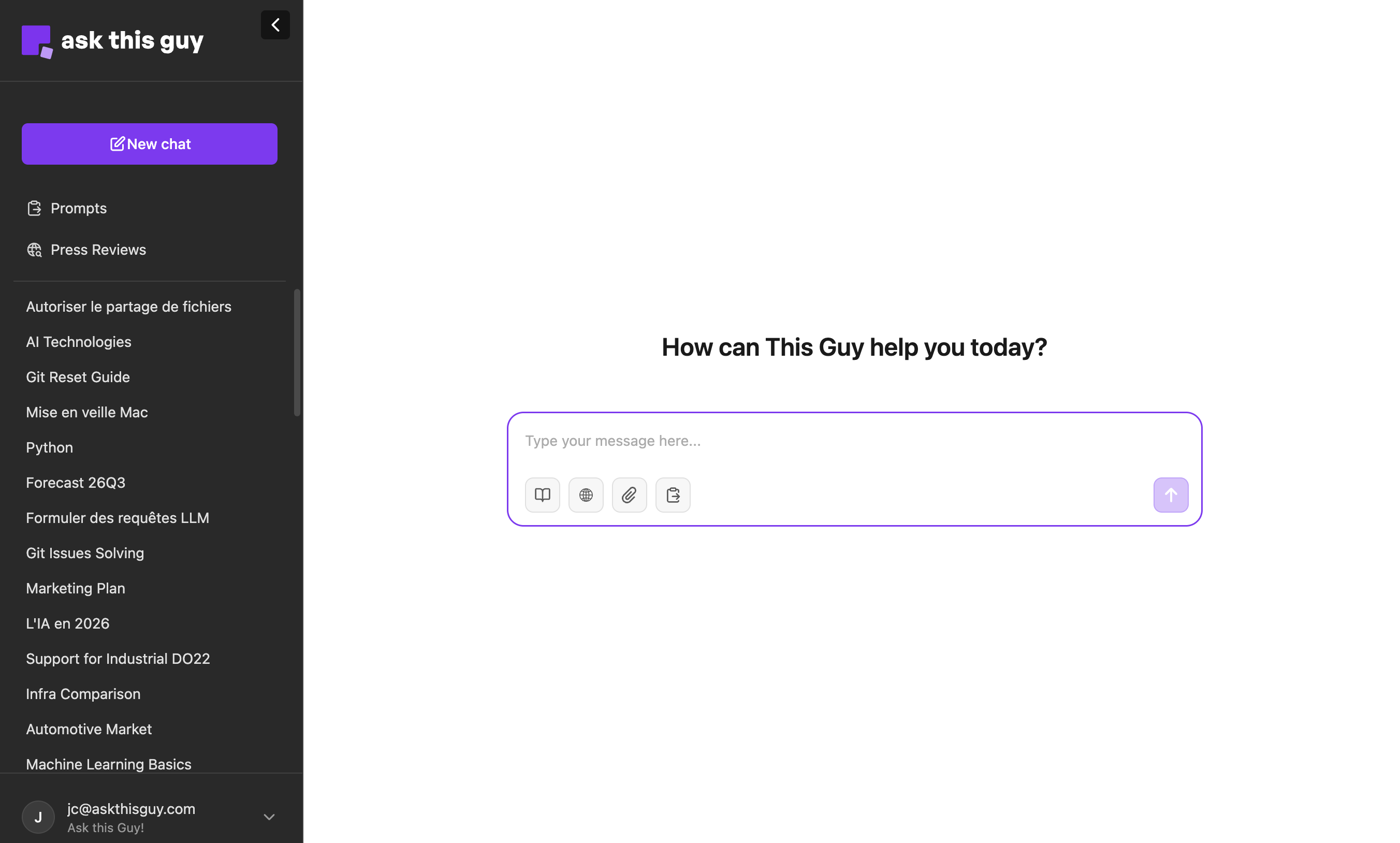 image.png
Need additional information to take the best of This Guy?
Check our guides below:
Chat Interaction Tools
In the chat interface, you have three powerful buttons to customize your AI request:
| Tool | Icon | Purpose | Activation Note |
|---|---|---|---|
| Organization Knowledge | Database icon | Search your organization's connected documents (e.g., Confluence, Slack) and files. | Selecting this requires the AI to use your internal data. |
| Web Search | Globe icon | Access real-time information and data from the internet. | Selecting this requires the AI to perform a web search. |
| Prompts | Lightning bolt icon | Select a pre-configured template (like summarization or reformatting) for instant execution. | Overrides standard chat behavior with a pre-set instruction. |
| Attachments | Paperclip icon | Upload new files or select existing files from My Files for the AI to analyze in the current conversation. | Provides specific document context for your request. |
Note on Tool Use:
If you do not select a tool, the AI may still use its various connected tools (including knowledge search and web search) when it determines they are necessary to provide the best possible answer.
🗣️ Navigation
Starting a Conversation
Just type your question or message directly into the chat box! The AI is designed to understand natural language and respond in a helpful, conversational manner (e.g., "Salut ça va?").
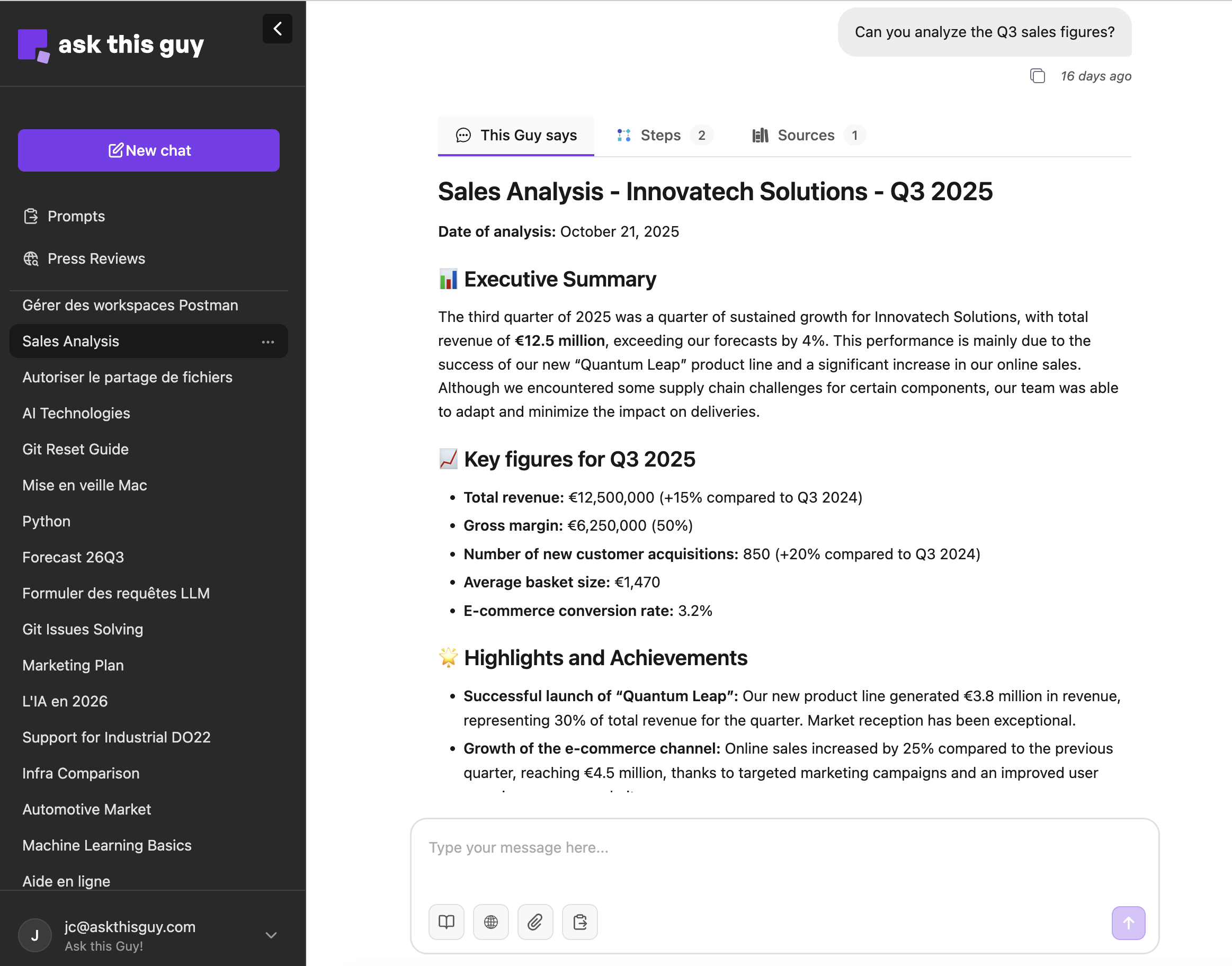
Side Menu Navigation
The sidebar on the left gives you quick access to core sections and features:
- New chat: Start a fresh conversation whenever you need a clean slate.
- Prompts: Jump straight to the prompt library.
- Conversations history
On the bottom left, you can select your language, disconnect or go to the admin console if you have the rights to do so.
 260116_webapp_en.png
Ready to try it out? Ask this guy a question to see its power!
Need additional information to take the best of This Guy?
Check our guides below: