 Confluence
Approximate time to complete: 5-7 minutes, excluding prerequisites
Approximate time to complete: 5-7 minutes, excluding prerequisite
Before you begin
To connect your Confluence space(s) to ATG, you will need to follow the steps below:
1. Create API Token on Atlassian Account : An Atlassian Administrator account is required.
2. Setup the Confluence Connector in ATG: An ATG Administrator account is required.
1. Create API Token on Atlassian Account
Navigate to your Atlassian account dedicated page

Click on Create API token

Enter a name for your key

Enter an expiration date

Click on Create

Copy your key

Click on Done


You see your new token appear in the table
2. Setup the Confluence Connector in ATG
Go back to your ATG Administrator Console

Enter the Domain name (e.g. yourcompany.atlassian.net)
Enter your email address (the one with wich the API key was created on Atlassian)
Enter the API token previously generated
Click on “Validate”
Add one or several Sources from Confluence
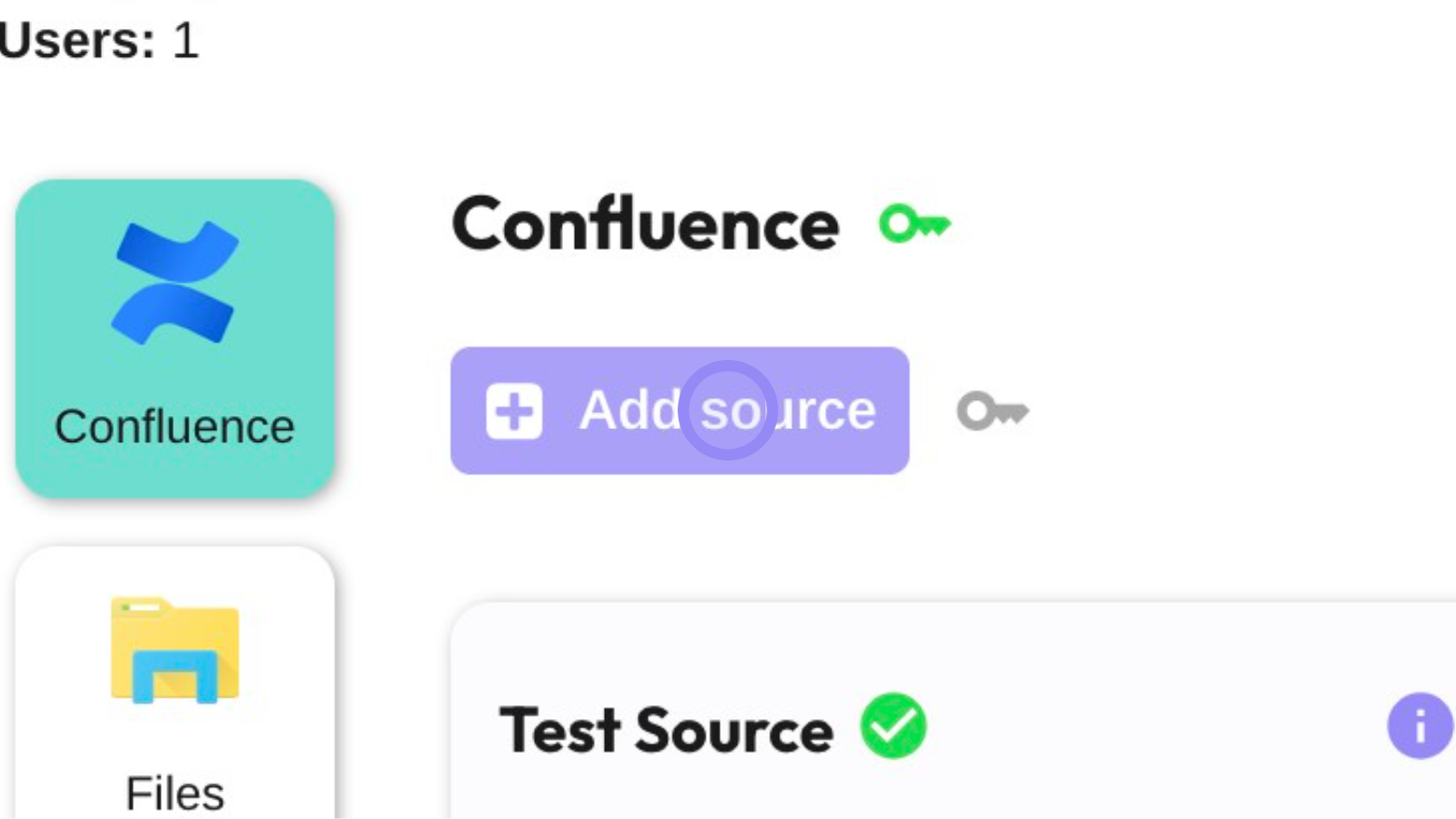
Click on "Add source"
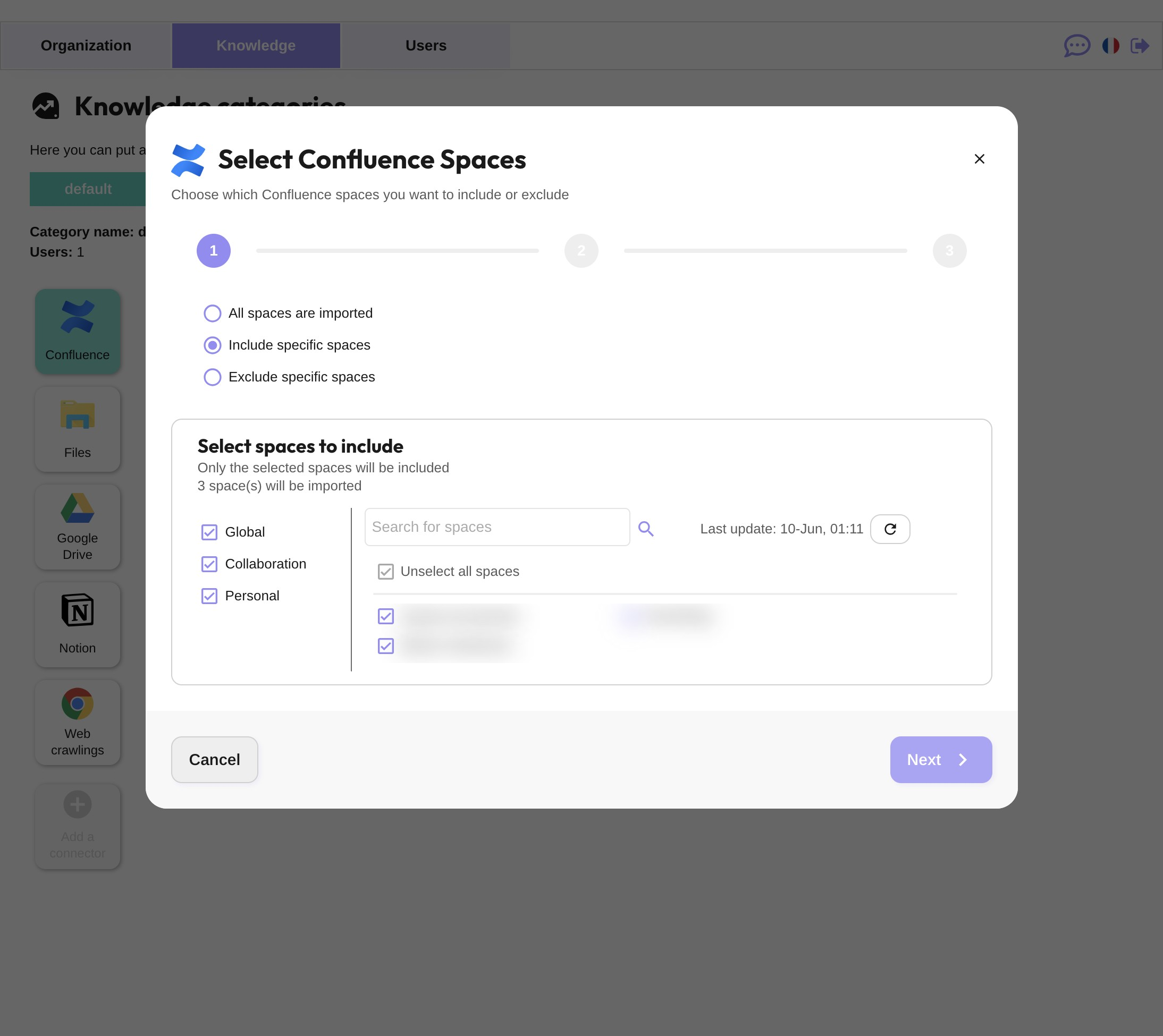
Select the spaces you want to include in the import
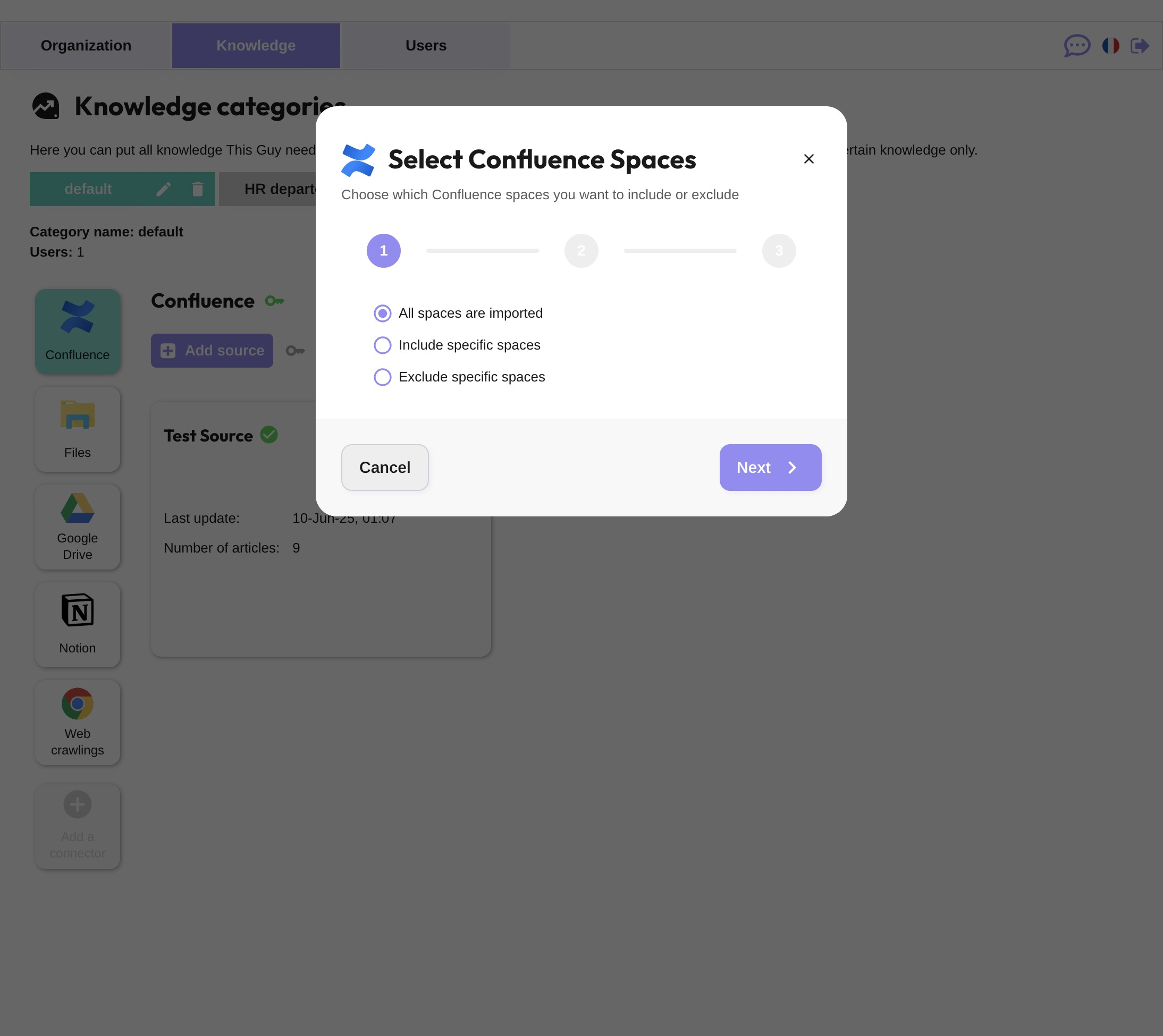
Click on Next
Configure the document filters
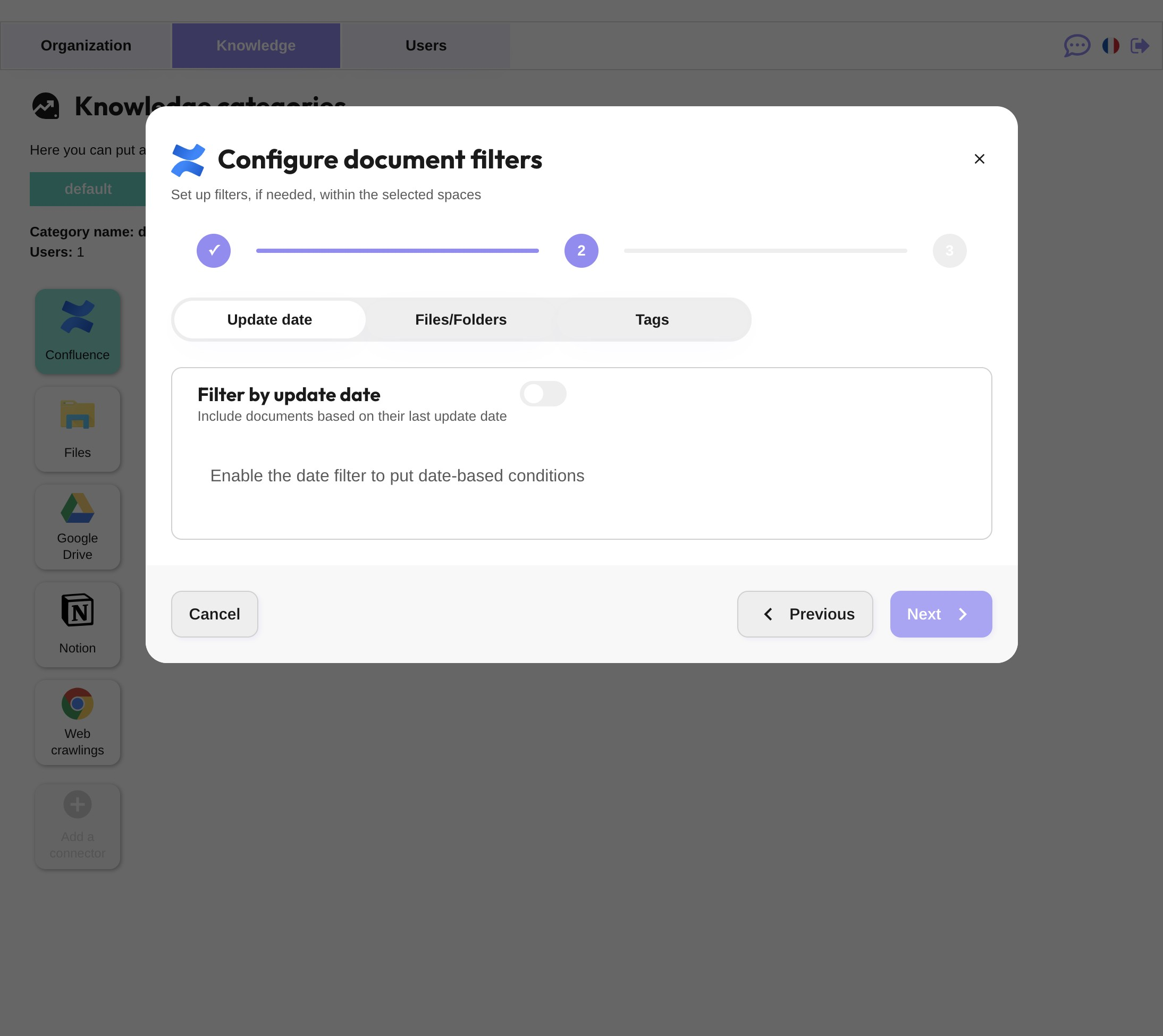
Click on "Next"
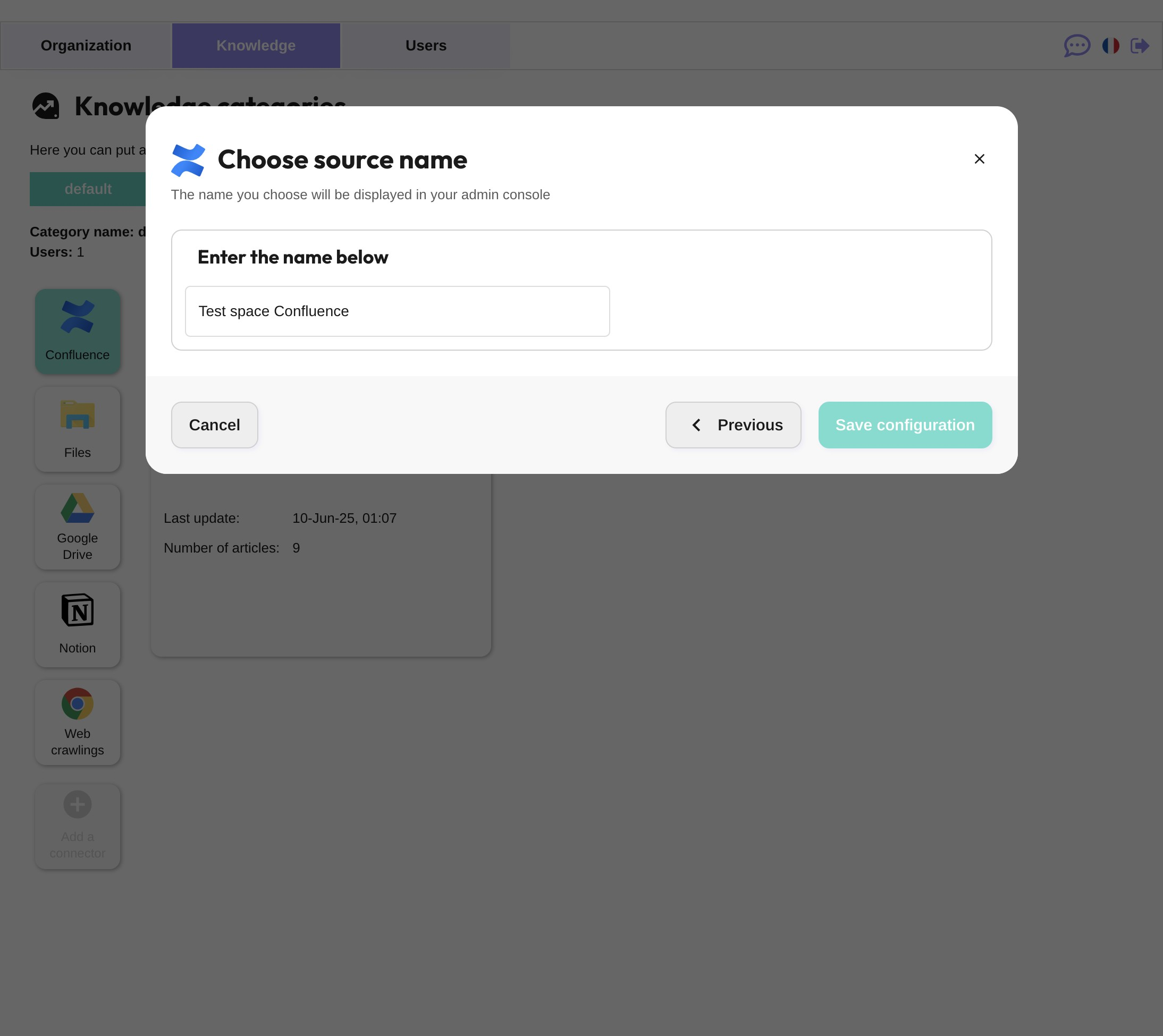
Chose your source name and Save configuration
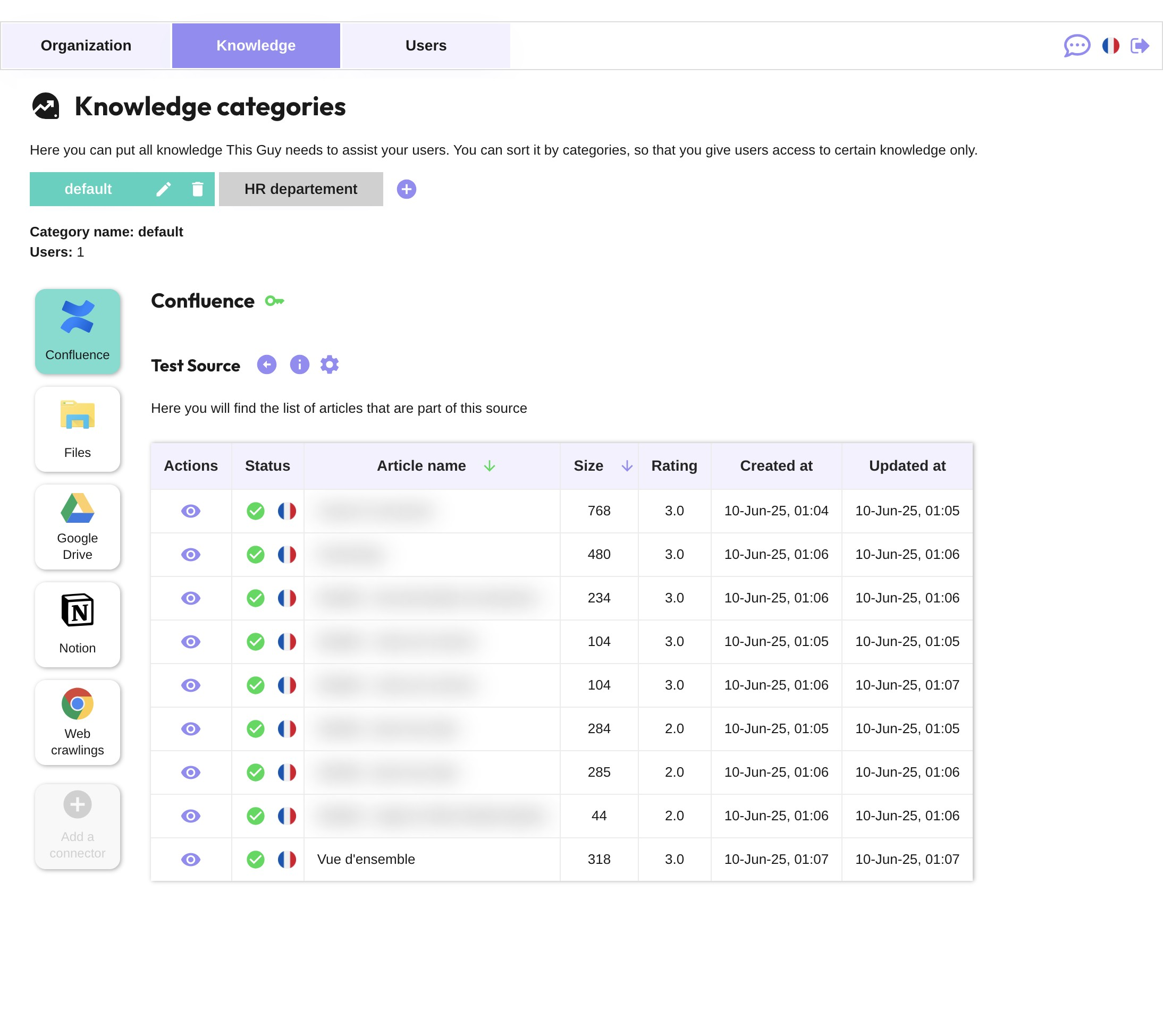
Check the documents
Once all the documents are processed (it can take a few minutes depending on the number of documents to process), they will be listed in the source
API key modification and update
When your token expires, you will need to create a new token and update your Connector setup